.png)


 Chat with us now!
 Send Email!


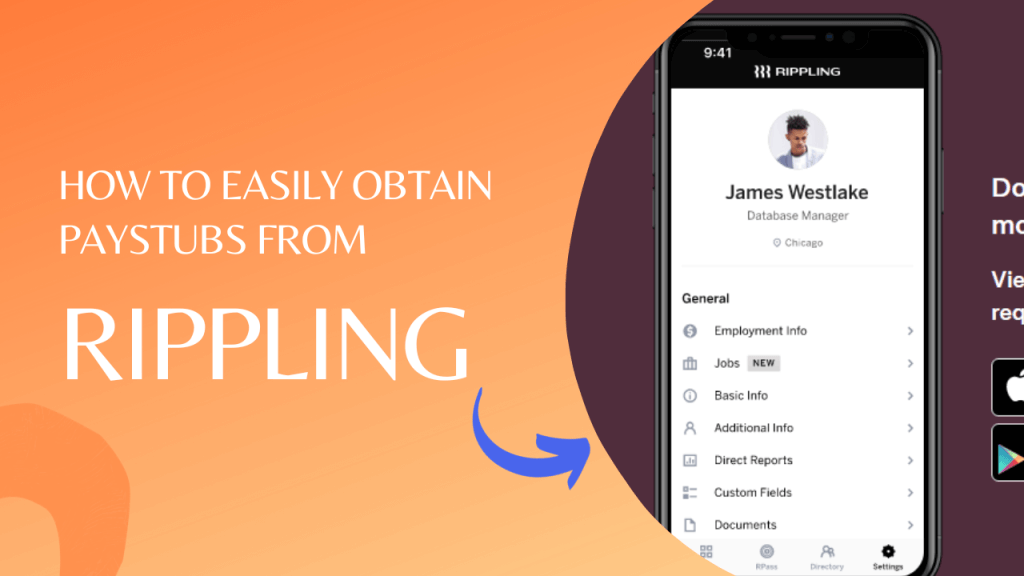
Payroll management is an essential element of any company, and Rippling is among the most popular platforms that provide an array of solutions for HR, payroll, and employee management. As an employee or employer who uses Rippling, you might be wondering how to access paystubs through the platform.
For users who simply need a quick digital copy for verification or personal records, a reliable paystub generator can also be helpful alongside employer-provided payroll platforms like Rippling. Here, we try to walk you through the complete process of easily accessing your pay stubs.
How to Get Paystubs from Rippling
1. Log in to Your Rippling Account
To access your pay slips, you’ll need to log into the Rippling account. If you’re a salaried employee, your employer must give you login credentials. Employers can log in as administrators to view employees’ pay stubs.

Once you’ve logged in, you will be taken to the Rippling dashboard. To get your pay stubs, go through the “Paystubs” section. Based on your organization’s configuration, it is usually located in the “Employee” or “Payroll” tab.
3. Select the Desired Paystub
In the “Paystubs” section, you’ll find a list of pay stubs arranged according to pay periods. Rippling provides a user-friendly interface for selecting whichever pay period you would like to view. You can either sort by date or pay period to pinpoint the actual report needed for your needs.
4. View and Download Your Paystub
After you’ve chosen the pay stub you’d like to see for the particular pay period, you can review the specifics. Rippling offers a complete overview of your pay stub that includes the amount of earnings, deductions, and net earnings. To download your pay stub, choose the option to download it, such as “Download” or “PDF,” typically located next to the pay stub preview.
Before finalizing or downloading any document, many users find it useful to preview how a pay stub looks using a paystub template, which shows a clear layout of earnings, deductions, and net pay before creation.
5. Print Your Paystub
You are on the date of the paycheck; you really want to print it out on paper, just like what you would collect and keep in your toolbox. Simply click on Rippling’s “Print,” then on the “Print” option, and your pay stub goes to the printer. Ensure the machine is on and working before starting the printing.
6. Accessing Paystubs on Mobile Devices
Rippling recognizes the importance of accessibility. Therefore, you can view your pay stubs using mobile devices. Log in to your Rippling account via either a mobile browser or the Rippling mobile application. The process for obtaining pay stubs is similar, but with an interface optimized specifically for screens of smaller sizes.
7. Troubleshooting Common Issues
If you encounter any issues while trying to obtain your pay stubs on Rippling, here are some standard troubleshooting steps:
- Check your internet connection: You must have a reliable internet connection prior to accessing your pay stubs.
- Clear your browser cache: Sometimes, browser caches create display issues. Clear your cache, and then try again.
- Verify your login credentials: Make sure that you are using your correct password and username to log into your Rippling account.
- Contact your HR department: If you have issues, you should seek assistance from your HR department or the person responsible for Rippling within your company.
8. Security and Data Privacy
Rippling takes data security and privacy very seriously. The information on your pay stub is private and secured with sophisticated encryption techniques. To protect your financial and personal information, be sure to sign out of your account after you’ve finished.
Frequently Asked Questions
Q1: Can I access pay stubs for previous years on Rippling?
A1: Yes, Rippling typically allows you to access pay stubs of earlier years. You can use the filtering options to select the desired year and pay period.
Q2: What should I do if I spot an error on my pay stub?
A2: If you notice an error on your pay stub, immediately contact your HR department or payroll administrator to rectify the issue.
Q3: Can I access pay stubs on a different device or browser?
A3: You can access your pay stubs on different devices or browsers by logging in to your Rippling account.
Disclaimer: StubCreator is not affiliated with Rippling or its Associates. Rippling brands or logos are trademarked or registered trademarks. The article general guidance for Rippling paystub access. Refer to Rippling‘s official resources and consult HR for specific details.
Conclusion
Check stubs can be obtained easily from Rippling, which ensures that employers and employees have easy access to vital financial information. With its easy-to-use interface and mobile-friendly accessibility, Rippling simplifies payroll management and helps ensure transparency at work.
If you encounter any issues when you attempt to obtain your pay slips, do not hesitate to contact the HR team or the Rippling support team for assistance. Your financial records are vital, and Rippling is determined to make them available and secure for all users.
Also Read:
How to Get Pay Stubs from Ford: The Ford Paystub Portal
How to Get a Paystub from Walmart: A Step-by-Step Guide
How to get Pay Stubs from Dollar General (DG)?
How to Get Paystubs from Quickbooks?
FAQ's
How can I access my paystubs in Rippling?
+
To access your paystubs in Rippling, log in to your Rippling account, and navigate to the Payroll or Paystubs section, where you can view and download your paystubs.
What if I forget my Rippling login credentials?
+
If you forget your login information, use the "Forgot Username" or "Forgot Password" options on the login page to reset your access.
Can I request physical copies of my Rippling paystubs?
+
Rippling typically provides digital paystubs, but you can inquire with your HR department or Rippling's support for options regarding physical copies.
How often are paystubs available in Rippling?
+
Paystubs are usually available shortly after each pay period. Rippling follows a regular payroll schedule for timely access to your pay records.