.png)


 Chat with us now!
 Send Email!


What is Gusto Pay Stub?
A Gusto pay stub is a document showing the details of employee earnings and deductions for a particular pay period. It is also called a pay statement or pay slip. Gusto is an online HR and payroll software firm. It offers automated software with an easy procedure for handling HR functions and payroll, which also includes generating pay stubs.
Information on a Gusto pay stub includes:
- Employee Information: This column contains the employee’s name, address, and social security number.
- Earning: This column contains the employee’s gross pay and the total amount of money earned before the deductions were made. It might also include other earnings like overtime pay and bonuses.
- Taxes: This column contains taxes that are deducted from an employee’s paycheck, including state, local, and federal taxes. It also includes other deductions like Medicare Taxes and Social Security Taxes.
- Benefits: This column contains any benefits or deductions that the employee may have, like health insurance premiums.
- Net Pay: This column contains the employee’s take-home pay, which is the amount of money left after all the deductions have been taken out.
Gusto lets your employer brand pay stubs, and you, as an employee, download pay stubs from the Gusto website.
How Do You Get Pay Stub from Gusto Pay Stub if you’re a Current or a Former Employee?
Being an employee, either presently working or having worked for Gusto, you are able to access pay stubs in one of several possible ways.
The following steps may be considered in order to receive a pay stub from Gusto Pay Stub:
- Check your email: Gusto will send an email notification each time a pay stub is made available. Look for the subject line “Your pay stub is ready.”
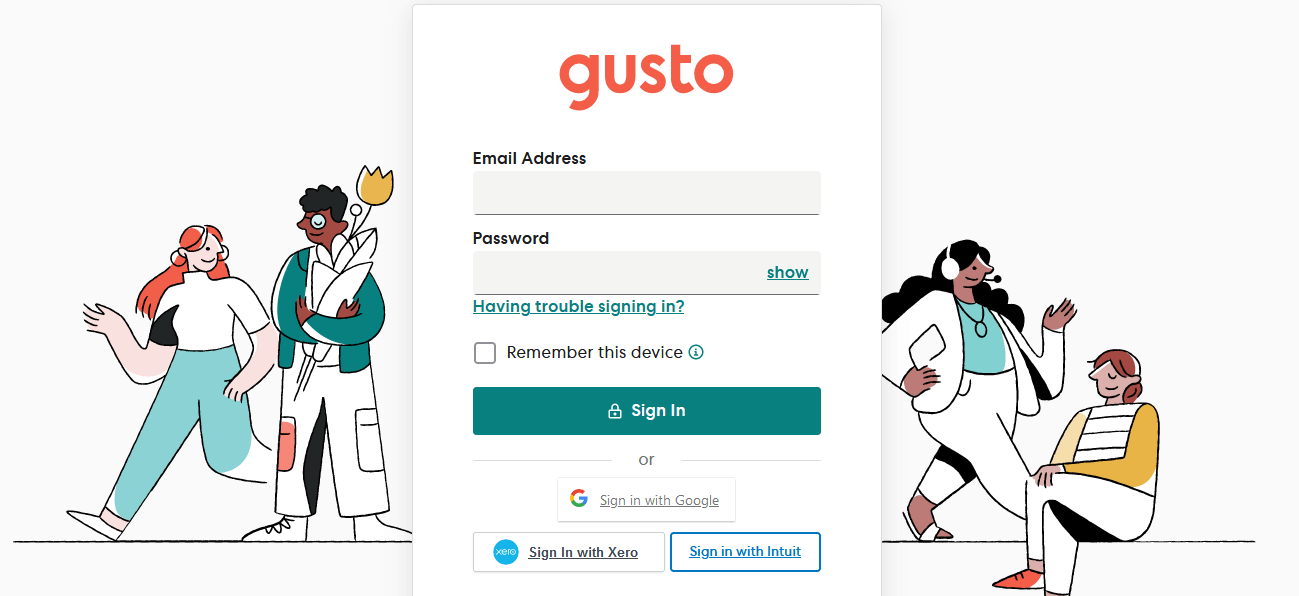
- Log in to the Gusto Platform: If you have access to the Gusto platform, log into your account and surf to the Pay section.
- Contact Your Employer: If you do not have access to the Gusto platform, you can call your former employee for a copy of your pay stubs.
- Mobile Application to Access Gusto: Gusto offers an employee mobile application that allows them to view pay stubs instantly. Download the app from the Play Store or the Apple Store, and then go to the PAY section to see your pay stub.
- Receive by mail: If you want a physical copy of the pay stub from the employer, you can request it here. They mail the hard copy to your doorstep.
- Custom URL Access: Most companies have a custom URL that employees use to access their pay stubs. If your company does, log into your account by entering that URL into your web browser and go to the Pay section of your account to view/download your pay stubs.
What to Do If Your Gusto Pay Stub Needs to be Corrected?
If your paycheck stub requires correction, it is something that you should act urgently upon.
- Contact Employer: First, you should speak up with your employer about what went wrong. Explain the mistake to your employer and provide him with any supportive documents, like the timesheet, that will help him verify that the information was correct.
- Support Team: If your employer is not responding, contact the customer support team at Gusto
- Request a Correction: If the mistake is from Gusto’s end, then you can indeed request a correction. If it was from your employer’s end, then they may have to send a correction to Gusto
- Keep Your Documentation: Keep all documentation on the subject issue handy. This includes email and paystubs.
Conclusion:
So, how can you get pay stubs from Gusto Pay Stubs? Employers can also create pay stubs through an employee portal that employees can access anytime.
Disclaimer: Stubcreator is not affiliated with Gusto or its Associates. Gusto brands or logos are trademarked or registered trademarks. The article general guidance for Gusto paystub access. Refer to Gusto’s official resources and consult HR for specific details.
FAQ's
How can I access my paystubs on Gusto?
+
Log in to your Gusto account, go to the "Pay" tab, and select "View Pay Stubs" to access and download your paystubs.
What if I forget my Gusto login credentials?
+
Click on the "Forgot your password?" link on the Gusto login page to reset your password. For username issues, contact your HR or payroll administrator.
Can I receive printed paystubs from Gusto?
+
Gusto primarily provides electronic paystubs. If you require printed copies, you can download and print them from the Gusto platform.
How often are Gusto paystubs available for viewing?
+
Paystubs are typically available on Gusto before your scheduled payday. Keep an eye on your Gusto account for updates and notifications.