.png)


 Chat with us now!
 Send Email!


Many businesses use it as a payroll platform to streamline remuneration procedures. Pay stubs, which furnish a comprehensive breakdown of earnings, deductions, and taxes, are crucial documentation staff regularly require.
In this comprehensive guide, we will walk you through the steps to obtain Namely paystubs, ensuring a hassle-free experience for both employers and employees.
Understanding Namely Paystubs
Prior to obtaining Namely pay stubs, it’s pivotal to comprehend what they are and why they’re essential.
A pay stub, also called a paycheck stub, is a document issued alongside your paycheck by your employer. It supplies a detailed summary of your earnings and deductions for a specific pay period.
Key information on a paystub includes:
- Gross earnings: The total amount you earned before any deductions.
- Deductions: The various deductions made from your gross earnings, such as taxes, insurance, retirement contributions, and more.
- Net pay: The final amount you receive after all deductions.
Namely pay stubs are generated and stored electronically within the Namely platform, allowing employees to access and review their pay information quickly.
Here’s how you can obtain your Namely paystubs:
Log into Your Namely Account:
To access your paystubs, you need to log in to your Namely account. This typically requires a username and password provided by your employer. If you haven’t already set up your account, contact your HR department for assistance.
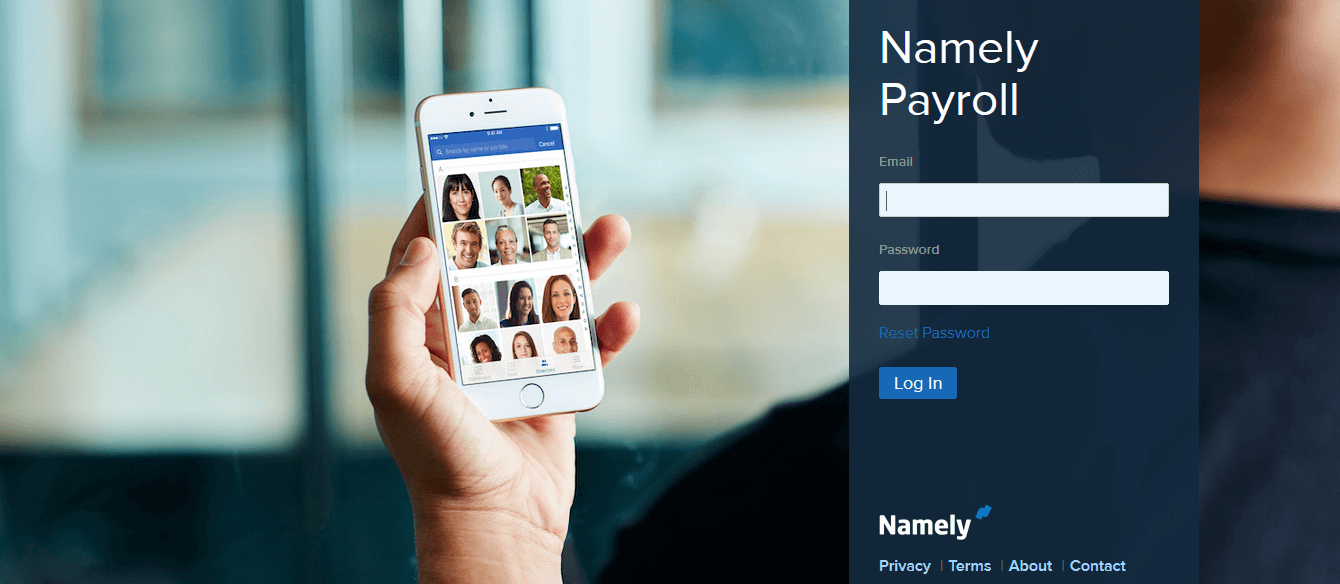
Upon signing in, users are presented with a home screen full of options. Scan for the “Pay” or “Compensation” segment and select it.
Access Your Paystubs:
Buried within the payroll section lies a tab or connection allowing access to pay stubs. This may be labelled as “Pay History,” “Remuneration Documents,” or something comparable. Select this choice.
Select the Desired Paystub:
A listing of previous pay periods will appear. Choose the paystub for the desired pay cycle and click to view details.
Download or Print Your Paystub:
In order to preserve or print the paystub, look for buttons like “Download,” “Print,” or “Save as PDF file.” Doing so permits keeping a copy for personal records.
Verify Your Information:
Before finalizing the paystub, meticulously review it to ensure figures such as earnings, deductions, and particulars are accurate. If any discrepancies need to be solved, contact human resources immediately.
Store Your Paystubs Securely:
It is crucial to retain paystubs in a secure place, as they may later be needed for tax filings, loan requests, or rental contracts.
Accessing Past Paystubs:
If you need paystubs from prior years, search within your Namely account’s compensation history. The process is similar to retrieving recent pay stubs.
Conclusion
Getting paystubs from Namely is straightforward and can be done via your Namely account. By adhering to the steps outlined herein, pay stubs can be easily accessed, inspected, and safeguarded for future reference.
Accurate paystub details are indispensable for fiscal planning and official paperwork, so the specifics of each paystub received must be verified.
Disclaimer: Stubcreator is not affiliated with Namely or its Associates. Namely brands or logos are trademarked or registered trademarks. The article general guidance for Namely paystub access. Refer to Namely‘s official resources and consult HR for specific details.
FAQ's
How do I access my Namely paystubs online?
+
To access your Namely paystubs online, log in to your Namely account, navigate to the payroll or pay section, and select the paystubs option to view and download them.
What should I do if I can't log in to access my paystubs on Namely?
+
If you're experiencing login issues, contact your company's HR or IT department for assistance with your account or password reset.
How often are Namely paystubs available for viewing?
+
Namely paystubs are typically accessible on a regular schedule, which is often bi-weekly or monthly, depending on your company's pay periods. Consult your HR department for specific dates.
Can I request a printed copy of my Namely paystubs?
+
Namely promotes electronic access, but if you need a printed copy, reach out to your HR or payroll department for guidance on how to obtain one.