.png)


 Chat with us now!
 Send Email!


It is all about managing your finances well. Being able to keep tabs on what you make through paycheck stubs is a good part of that. However, most employees who use Avionte, the most popular software for workforce management, may be at a loss in getting their pay stubs quickly.
This post is going to take you through how to get your Avionte pay stub with ease.
Understanding Avionté
Before explaining how to access your pay stubs, let’s take a minute to understand Avionté. Avionté is a robust staffing and recruiting software used by many organizations to manage and organize internal HR and payroll more coherently. Among other features, it offers payroll management, time and attendance tracking, and an employee self-service portal through which you can access your pay stubs.
How to Get Avionté Pay Stubs?
Step 1: Logging into Avionté
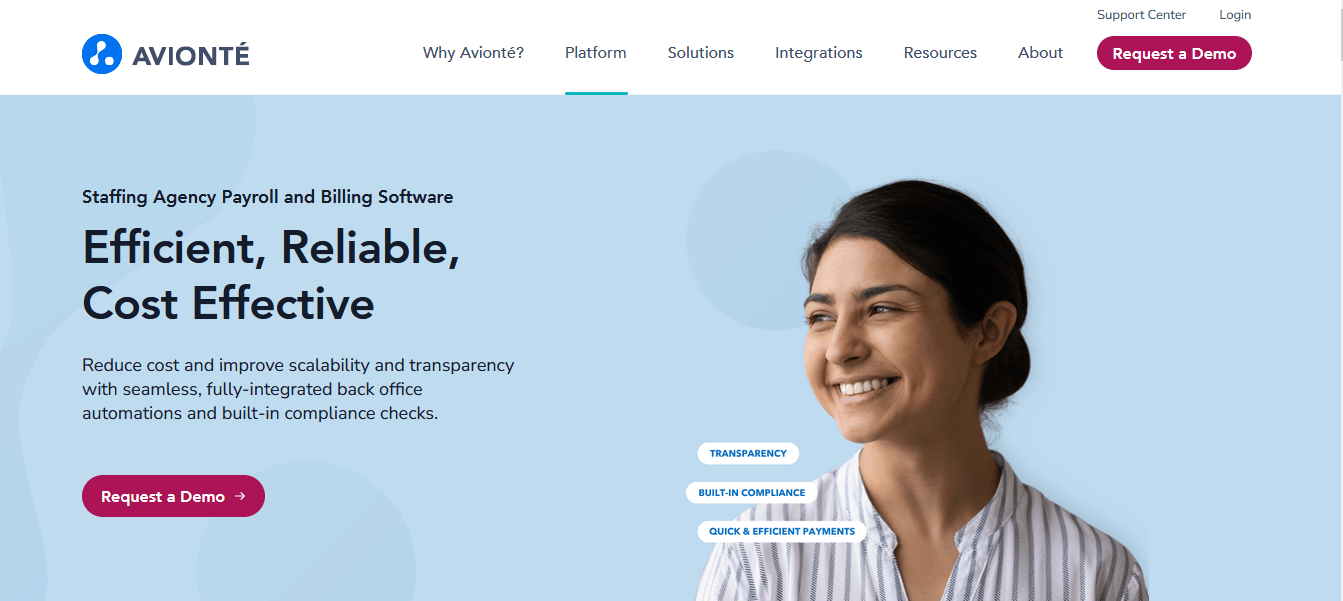
To begin, you need to access the Avionté portal. Your employer should have provided your login credentials. If you do not know what your login credentials are, please contact the Human Resources department or payroll administrator directly.
Once you have your credentials, proceed with:
- Step 1: Open your web browser and go to the Avionte login page. Your organization should provide the URL. Make sure you use the correct web address. Enter your username and password in the corresponding text boxes. Click the “Login” button to access your Avionte account.
- Step 2: How to access pay stubs. After clicking Login, you will be automatically routed to your Avionte dashboard.
From here, access your pay stubs with ease:
View the left or top of the dashboard for a menu or navigation bar. The wording may vary in every organization, but it goes by the title of “Payroll,” “Employee Self-Service,” or anything similar.
- Click on the appropriate menu option: You should now be taken to a sub-menu of options, one of which says “Pay Stubs” or “Earnings History.” Click this option.
- You may be prompted to choose a date or pay period. Please move to the correct date range and click it to see your pay stubs appear in that date range.
Step 2: Accessing and Downloading Pay Stubs:
Once you have navigated to the pay stubs section, you can access and download your pay stubs.
A list of your pay stubs for the selected period should appear on the screen. In general, each entry will contain the date of pay, the pay period, and the link to view/download the pay stub.
Click the link corresponding to any particular pay stub you would like to view. It will open a new window/tab that will show the details of your pay stub.
To download your copy for your records or future reference, you can usually find a “Download” or “Print” button on most pay stub viewers. After clicking the button, you can save the pay stub as a PDF document or even print one immediately.
Step 3: Pay Stub Information Verification:
Check your pay slips to see if they are correct. Verify that each of the following is present and accurate:
- Your personal information, name, employee ID, and address.
- Earnings and deductions of that period.
- Taxes withheld.
- Other deductions or contributions, if any, include retirement or health.
- Net pay—house take-home pay after deduction of everything.
If you notice anything out of place or have any questions about your pay stub, please contact your HR department or payroll administrator for further explanation and resolution. For those who are reviewing a pay stub for the first time, a free paystub template can help you preview the typical layout and understand where details like earnings, deductions, taxes, and net pay are usually displayed before creating a pay stub.
Step 4: Record Keeping:
Keeping a record of pay stubs is very important for financial planning and tax purposes. By default, Avionté allows access to and downloads historical pay stubs. Make it a point to save copies for your records regularly.
You can also keep your pay stubs online or print them out and maintain physical copies in a safe place. That will save you a lot when you have to file taxes, apply for loans, or ask any other questions about your finances.
Conclusion
Getting pay stubs from Avionte is very easy; you only need to sign in to your account with Avionte, go to your pay stub section, and see how much money you will be getting and where the deductions are. It is essential to ensure verification of your pay stubs for their correctness and to keep a record for financial purposes.
Should you need access or have any questions, please reach out to your HR or payroll department if you have any further questions or issues regarding your pay stubs through Avionté.
Disclaimer: StubCreator is not affiliated with Avionté or its Associates. Avionté brands or logos are trademarked or registered trademarks. The article general guidance for Avionté paystub access. Refer to Avionté’s official resources and consult HR for specific details.
FAQ's
How do I access my Avionté pay stubs online?
+
Log in to the Avionté employee portal using your provided credentials to access and view your pay stubs.
What should I do if I forget my Avionté employee portal login details?
+
Use the "Forgot Password" or "Forgot Username" options on the login page, or contact Avionté's HR department for assistance.
Is there a mobile app for accessing Avionté pay stubs?
+
You can typically access your pay stubs via the Avionté employee portal on a mobile browser for added convenience.
How often are pay stubs available on the Avionté employee portal?
+
Pay stub availability depends on your pay schedule, which may be weekly, bi-weekly, or monthly. Reach out to Avionté HR for precise timing details.