.png)


 Chat with us now!
 Send Email!


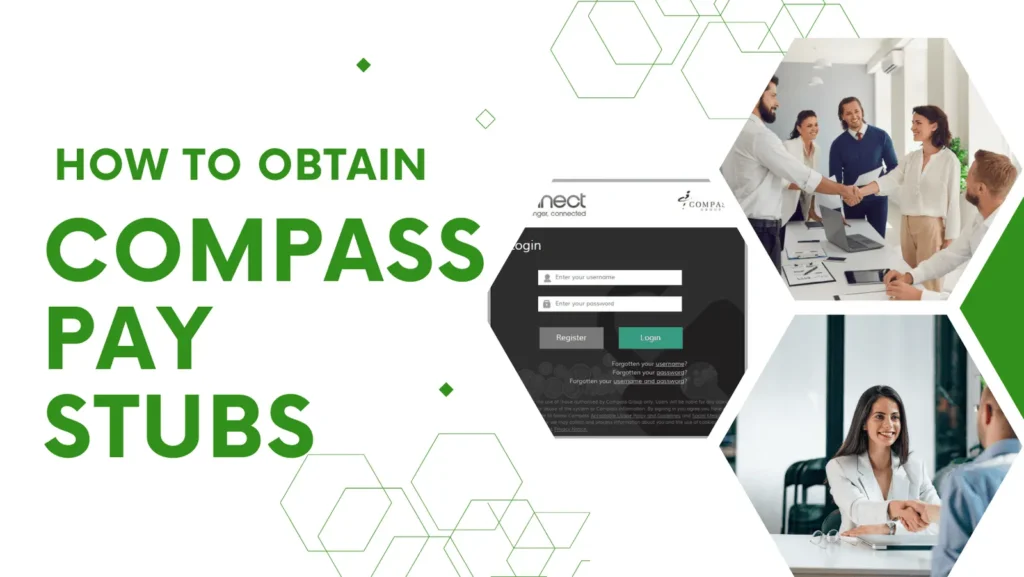
Getting your Compass paystub is necessary for managing your salary and keeping an eye on deductions or discrepancies.
Compass Group, a major food service company that is among the largest in the world, offers employees an easy and secure method for making Compass paystubs available online. The Compass Associate Portal (CAP) makes it easy to get your payroll information when you want it.
With the Compass employee login, you can simply see your pay stubs whenever you want without help from HR or the need to wait weeks to get them via mail. This guide will show you exactly how you can get your Compass Group Paystub. Moreover, you can also generate your paystub for record keeping by using the free paystub generator.
What Is The Compass Associate Portal?
How does it help by using the Compass Group Login Portal? It’s like a control center where you have at your fingertips all the tools and materials you need so that, as the employer, you are not constantly reaching out to HR. CAP simplifies the average day and ensures your team is up to date.
Here’s what you can do in the Compass Associate Portal:
- Generate pay stubs & T4 Tax slips: Your current and previous Compass pay stubs are now available for online printing and viewing, as well as W-2 tax documents.
- Update Info: Ensure that your personal information, including contact numbers, mailing address, and emergency contacts, you are up to date!
- Request Time Off: Submit vacation, sick, and other leave of absence requests directly from the portal.
- Check Your Work Schedule: View your schedule, see shifts, and get news.
- Communicate & Collaborate: Connect with your team through company news.
As a whole, CAP is easy and user-friendly for Compass staff to manage all payroll, schedules, and employee records in one spot.
How to Access Compass Group Pay Stubs: 3 Quick Methods
What are the requirements to get Compass Group pay stubs? Whether you need to log into the Compass employee portal, visit on mobile, or get a quick substitute, here are three simple ways to access your paycheck stubs when you need them.
1. Compass Associate Portal (CAP)
The Compass Associate Portal is the most widely used and dependable means of accessing your Compass pay stubs. Here’s how to access them:
- Go to compassconnect.com.
- Log in with your username and password. New employees will be required to register before signing in.
- If you forget your login information, use the buttons on the page – “Forgot your username?”, “Forgot your password?”, or “Forgot both?”
- When logged in, access the menu and navigate to the Payroll option.
- Choose the pay stub you wish to view or download it instantly.
If you are having trouble accessing CAP or if you cannot find your pay stubs, please reach out to your HR or Payroll Department for assistance.
2. ESS Compass Associate App
Easily using your phone, you can instantly have access to the ESS Compass Associate App and be able to check your payroll information while on the move. Simply:
- Get the ESS Compass Payroll App on the Google Play Store (Android) or App Store (iPhone).
- Do the Compass Group payroll login with your Compass user ID and password.
- Use the menu to access Compass Group paycheck, tax documents, and more.
It is a nice alternative for employees who want mobile access without having to find their computer.
3. Online Paystub Creator Tool
Actually, the CAP website login page may go down for maintenance at times or you might require a pay stub very urgently and cannot access your account. This is where a 3rd party paystub creator can be useful.
Tools like StubCreator make it easy to generate a professional-looking paystub. These won’t replace your Compass-distributed earning statements, but they can be used as evidence of income for non-business-related reasons.
How To Get The Compass Group Paystub From The Portal?
You must register at Compass Group’s Employee Portal to access your pay stubs.
1. Register For the CAP Portal
Follow these steps:
- Open a web browser and then navigate to the Compass Group employee portal site.
- Look for the “Register” or “Sign Up” option and click on it.
- You’ll need to add your personal information, such as your employee ID, and other necessary details.
- Create a strong password for your account as per the password requirements of this portal.
- When you have completed all of the necessary information, click the submit form.
- Check your email and click the link we have sent to verify your account.

2. Log In to Your Employee Portal Account
Once you have successfully signed up at your Compass Group paystub portal, you can log in to your account:
- Go back to the Compass Group employee portal site. Tap on “Login” or “Sign In.” Input your registered email address and password. Hit on “Login” button to visit your account. Click on the Pay Stubs tab.
- Click the tab at the top of the screen that reads “Payroll” or “My Pay” to view your pay stubs.
You need to find the place of pay stubs on the Compass Group pay stubs page once you’re logged in. Check and then click the “Payroll” or “My Pay” tab to access your pay stubs.
Here’s how to do it:
- Select the pay period you want to view (or save)
- Select that pay stub for the time period.
- Now you can also view, save, or print your pay stub for reference anytime and anywhere.
Conclusion
After reading this guide, you can easily access and download your Compass Group pay stubs by following the steps outlined above. If you still have trouble getting your pay stub or need a copy for income verification, budgeting, or personal records, you can create one using a reliable pay stub generator.
Simply choose a professional pay stub template, enter your payroll details, and generate a clear, accurate pay stub within minutes.
People May Also Ask:
1) How to check pay stubs in Compass Group?
If you are looking for a Compass Group paystub, you will need to log in to compassconnect.com website, and then after adding credentials, you can check your pay stubs.
2) How do I get my W2 from Compass Group?
If you want to access your W-2 from the Compass Associate Portal, you need login and then select the payroll or tax documents to get the particular document. Or else you can ask your HR or payroll team to get the W2 form.
3) Why can’t I log into the Compass app?
There are multiple reasons for the failure of the Compass login. Considering that, Invalid login credentials or expired passwords will not allow you to sign into the Compass application. Moreover, if there is any maintenance or the app is offline, you can’t log in.
Disclaimer: StubCreator is not affiliated with Compass or its Associates. Compass brands or logos are trademarked. The article general guidance for Compass paystub access. Refer to Compass’s official resources for more.
FAQ's
Where can I access my Compass pay stubs?
+
You may view your pay stubs through the employee self-service portal called Compass, under HR/payroll at your employer.
How do I log in to the Compass employee self-service portal?
+
Log in using your username and password from the company that pays you. If required, navigate to the pay stub section of the portal to check or print your pay stub
What if I have forgotten my login information for the portal?
+
You may also contact your HR or payroll department for a change or reset of your log-on information.
How often are pay stubs available on the Compass portal?
+
Pay stubs typically carry an everyday release period as defined by your organization (bi-weekly/monthly, etc).