.png)


 Chat with us now!
 Send Email!


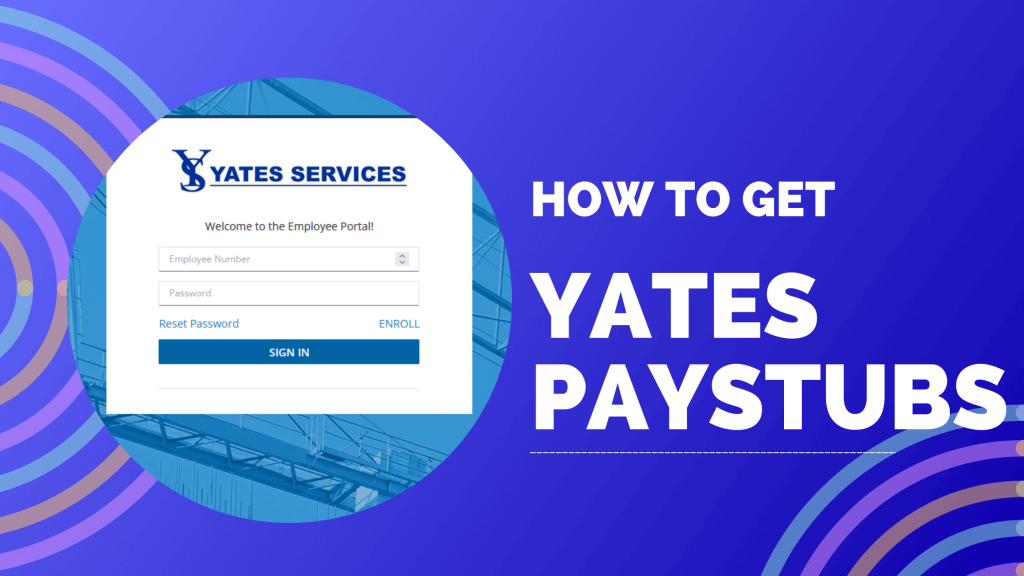
If you’re looking for the best maintenance and product assistance service, Yates Service is there for you. With more than 30 years of maintaining mechanical operations with different automotive advantages, Yates is the ultimate choice for product assistance.
Employees working in the company need to have a Yates paystub for proof of income or record-keeping. Here in this guide, we will explore how you can easily get your paystub by using the Yates paystub portal.
If you are in need of a paystub creator, you can use our tool to generate accurate paystubs for your business.
What is Yates Services?
Previously, Yates Services provided the employees with their pay stubs via the Money Network Paystub Portal. But, since February 1, 2024, they have been providing the paystub via the ViewpointOne portal of Viewpoint Inc. Depending on your Yates entity, use the correct portal URL to log in:
- Yates Services: Canton, Decherd, Smyrna, Battery Plant
- Yates Construction & affiliates: W.G. Yates & Sons, Yates Engineering, etc.
In this blog, we will cover How To Get Paystubs from Yates, so let’s begin.
How To Get Paystub from Yates?
Registration Process:
- Visit the ViewPointOne employee portal sign-in page using the address link.
- Click on the Enroll button.
- Insert your Employee Number.
- Enter the last four digits of your Social Security Number.
- Generate your password.
- Confirm your password by re-entering the same password.
- Click on Register.
- Select your W-2 Paperless Delivery Consent.
- Provide your Contact Number.
- Visit the dashboard after setting up Confirm My Paperless Setting.

View Your Paystubs:
- Click on Earning.
- Wait until the appears.
- Under the Document Selection menu, select pay stubs.
- Select your date, and wait for the result.
- Now, you can view or download your pay stub by selecting your desired date.
View Your W-2 Statements:
- Click on Earning.
- Under the Document Selection menu, select W2.
- Select your desired date and wait for the result.
- You can now view or download your W-2 statement.
Note: W-2 statements will only be available if you selected W-2 Paperless Delivery Consent during registration. If you skipped it, go to My Paperless Settings and update your W-2 Paperless Delivery Consent to Yes.
Conclusion
It is easy to retrieve your pay stubs from Yates, as you will have to register yourself on the platform and then follow the steps mentioned above; you’re ready to go!
Disclaimer: StubCreator is not affiliated with Yates or its Associates. Yates brands or logos are trademarked or registered trademarks. The article general guidance for Yates paystub access. Refer to Yates‘s official resources and consult HR for specific details.
People May Also Ask
1) How can I access my Yates paystubs online?
You can access your Yates paystubs via the self-service portal. Contact your HR department if you do not have access to login credentials.
2) What information do I need to log in to view my Yates paystubs?
To view your Yates paystubs you will be required to provide your employee ID, username, and password, which is provided by your employer while onboarding.
3) Can former employees access Yates paystubs?
Former employees can access their Yates paystubs via the payroll portal or by requesting copies from the HR department.
4) How far back can I view my Yates paystubs?
Available paystub records are dependent on the organization’s payroll machine, but many portals are entitled to access several months or years of data.
5) What if I cannot access the Yates employee portal?
You should try contacting the HR department to verify your account, reset your login credentials, and request paper copies of your paystubs.
6) When are Yates paystubs available online?
Paystubs are usually posted on or shortly before payday, depending on the payroll processing schedule.
7) Can I get my Yates paystubs from my bank?
No. Banks can provide direct deposit records, but cannot provide actual paystubs that show earnings, deductions, and taxes.
8) Who should I contact if I find an error on my Yates paystub?
Report any discrepancies to the Yates payroll or HR department as soon as possible so they can review and correct the issue.
9) Is Yates part of Dulux Group?
DuluxGroup’s brands are some of the most recognized and trusted brands in Australia and New Zealand. They include household names with Dulux, Celys, Yates, Cabot, B&D, British Paints, Berger, Polly, and Hortico, to name a few.
10) Is Yates Construction publicly traded?
No, Yates Construction (part of The Yates Companies) is not a publicly traded entity. It is a privately held, family-owned enterprise that remains deeply managed by founder Yates and his family.
FAQ's
How can I request my Yates paystubs?
+
Contact your employer's HR department or payroll provider to request your paystubs.
Can I access my Yates paystubs online?
+
Many companies offer online portals where employees can log in and download their paystubs.
What information do I need to request paystubs?
+
Typically, you will need to provide your employee ID or relevant identification information.
Are there specific timeframes to request old paystubs?
+
Check with your HR or payroll department for their policy on accessing past paystubs, as it may vary by company.