.png)


 Chat with us now!
 Send Email!


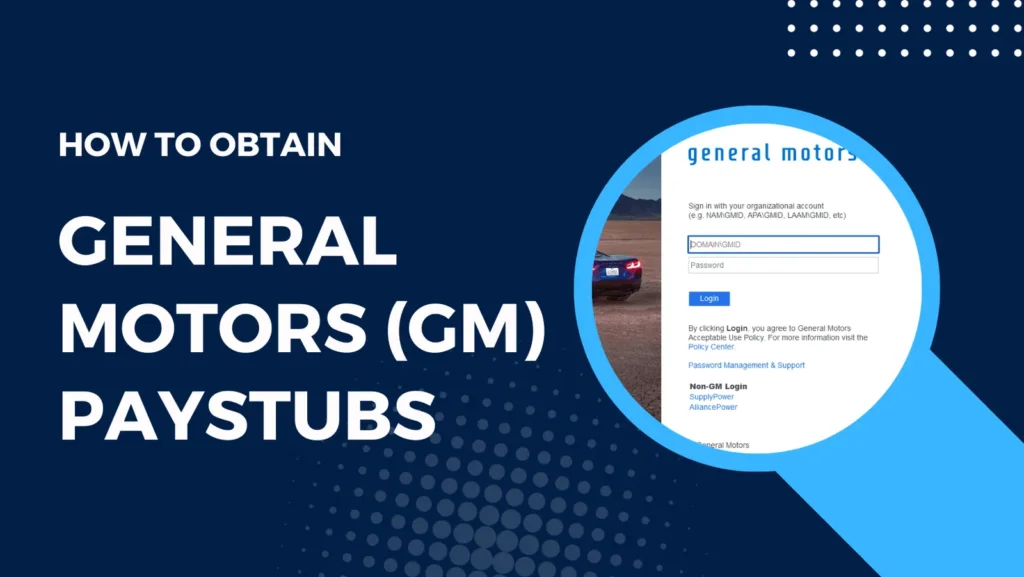
Managing payroll records online has become essential for employees working at large organizations like General Motors. Whether you want to download pay stubs, access tax forms, verify direct deposit details, or update payroll information, understanding the General Motors employee login process can save time and prevent payroll-related issues.
It is a critical practice to check the compensation details from General Motors. However, it is best to know the procedure for claiming that one receives the required, accurate, and updated information about his or her earnings. For employees who want to securely store or organize income records, using an online paystub creator can also be a helpful option alongside official payroll access.
This is the complete practical guide that takes you through how to obtain GM pay stubs as either a current employee or one who has left the company.
What is the General Motors Employee Login?
The General Motors login allows current and former GM employees to access work-related resources online. Employees can use the portal to:
- View and download pay stubs
- Access payroll history
- Check tax forms and W-2 documents
- Manage direct deposit settings
- Access Workday HR tools
- Update employee information
- Review benefits and compensation details
- Manage schedules and company resources
Accessing General Motors Paystubs Online
Setting Up Your GMID
To see your GM pay records online, you need a GMID (General Motors Identification). If you currently work there, you doubtless obtained your GMID during onboarding. If you lack a GMID, contact human resources or payroll for assistance.
Once you have your GMID, follow these steps to access your pay stubs:
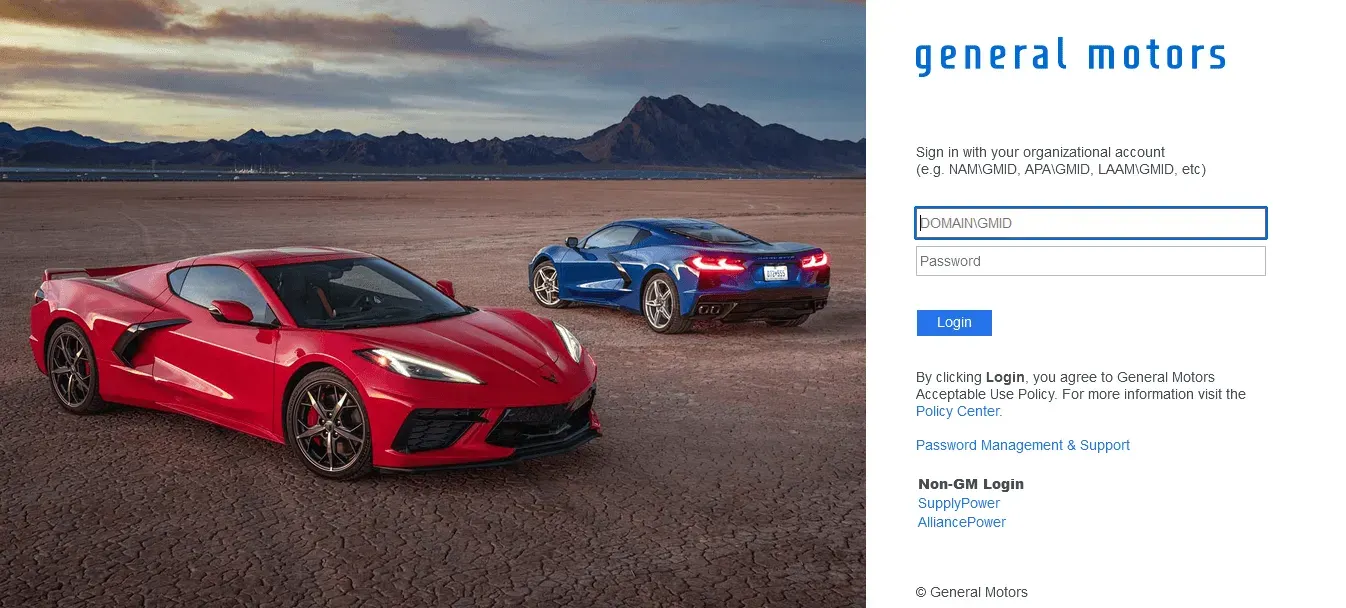
- Visit the General Motors Employee Portal.
- Log in using your GMID and password.
- Locate the “Payment” or “Pay” segment of the gateway.
- Click on the option to view your pay stubs.
Downloading Your Pay Stubs
Once you access your pay records, you can usually view and download them as PDF files. Reviewing a downloadable paystub sample can help you recognize where key details such as earnings, deductions, and net pay typically appear, making it easier to organize your own records. Be sure to store a copy for your files, as these pay records may not be accessible indefinitely on the gateway.
Receiving General Motors Pay Stubs by Mail
If you prefer to receive your GM pay stubs by mail, follow these steps:
Contacting General Motors Payroll Services
- Contact GM’s payroll services office. You can typically find their contact information on the GM Employee Gateway, or human resources can give you the details.
- Request to have your pay records mailed to your home address.
Requesting Physical Pay Stubs
GM compensation services usually require submitting some private information to verify your identity before mailing pay stubs. Once validated, stubs will be dispatched to the address provided. Keep in mind that obtaining physical stubs may take more time than online access. If you need faster access to organized pay information for personal records, try StubCreator now to explore digital alternatives for pay documentation.
Important Information on General Motors Pay Stubs
Understanding Your Pay Stubs
GM pay confirmations furnish a detailed breakdown of your earnings and deductions. It includes stuff like your gross payment, taxes held, deductions for advantages, and net payment. Be sure to regularly audit your pay confirmation to ensure the accuracy of your earnings and reductions.
Paystub Availability
Paystubs are usually accessible online a few days prior to your payday. However, GM may have specific pay frequency schedules that differ depending on your spot and role. It’s essential to check the portal for exact pay dates.
Troubleshooting Pay Stub Issues
If you encounter any problems with your pay confirmation, such as discrepancies or missing info, contact GM compensation services promptly. They will assist in solving any difficulties and ensuring your pay information is exact.
Accessing Paystubs for Former General Motors Employees
Retirees and Separated Employees
If you are a retired or separated GM employee, you can still get your pay stubs online for a specific period after leaving the company. The method is similar to that for current employees.
Accessing Paystubs after Leaving General Motors
To access your pay stubs after leaving GM, follow these steps:
- Visit the GM Employee Portal.
- Log in using your GMID and password (which should still be active).
- Navigate to the “Payroll” or “Pay” section and access your historical pay stubs.
General Motors Workday Login Explained
The General Motors workday login system is GM’s HR and workforce management platform. Workday allows employees to:
- Access pay statements
- View tax documents
- Update banking information
- Review employee benefits
- Access performance reviews
- Manage personal details
How Former GM Employees Access Pay Stubs?
Former employees might still access GM payroll login access for a limited period of time. According to employee discussions:
- Former employees may access old pay statements online
- W-2 forms remain available electronically
- Account recovery options are available
General Motors Login Portal Security Tips
Payroll systems contain sensitive data; employees should follow the security practices mentioned below:
- Never share passwords
- Use strong authentication
- Enable two-step verification
- Avoid public Wi-Fi
- Log out after each session
- Update passwords regularly
Conclusion
Getting your paystubs from General Motors is a vital aspect of managing your finances and ensuring accurate compensation. Whether you prefer online access or receiving physical pay stubs, GM provides options to meet your needs. Regularly reviewing your pay stubs helps you keep track of your earnings and deductions, allowing you to make informed financial decisions.
In the case you need a paystub for your bookkeeping or personal use, you can use the professional free paystub generator for your purpose.
Also Check:
Payroll Card vs Direct Deposit
Disclaimer: StubCreator is not affiliated with General Motors or its Associates. General Motors brands or logos are trademarked or registered trademarks. The article general guidance for General Motors pay stubs access. Refer to General Motors‘s official resources and consult HR for specific details.
FAQ's
How do I access my General Motors (GM) paystubs online?
+
Log in to the GM employee portal, navigate to the "Payroll" section, and download your paystubs.
What if I've forgotten my GM employee portal login details?
+
Use the "Forgot Username" or "Forgot Password" options on the portal's login page for assistance.
Do I receive paper paystubs as a GM employee?
+
GM typically provides electronic paystubs, but you can inquire with your HR department for alternatives.
When can I expect my GM paystubs to be available online each pay period?
+
Paystubs are usually accessible a few days before payday, so check the portal accordingly.