.png)


 Chat with us now!
 Send Email!

Started by Bernard Kroger in the year 1883, The Kroger Co. is the most successful grocery store network in the country and one of the most prestigious. It operates over 3,000 stores in 35 states and employs around 500,000 people, serving millions of customers every day in diverse outlets such as retail supermarkets, pharmacies, and specialty stores.
Whether you work at Kroger today or previously worked there, having access to a Kroger paystub may be essential for tax filing, income verification, and personal records. Kroger uses secure and efficient systems to get paycheck stubs to its employees, such as Kroger MyTime and Equifax Workforce Solutions’ Tax Form Management system. Both current and former employees can easily access their payroll information anytime they need it.
This guide helps you to get your Kroger pay stub via the portal, or you can generate it with a free paystub maker.
Key Takeaways
- Currently employed people are able to see pay stubs online using the employee self-service portal on ess.kroger.com by logging in with their Kroger Enterprise user ID and password of their choice.
- The Kroger FEED app allows users to check pay stubs on their phones without having access to their computers.
- In case someone is unable to go online, the customer service counter or human resources staff at any local store can print the pay stubs for them after verifying their identity by checking their photo ID.
- Former employees need to visit the Historical records portal. If they find their account deactivated, they should visit the store.
- If assistance is needed accessing to pay stubs, you can call 1-800-KRO-GERS (1-800-576-4377).
Also Read: How to Get Pay Stubs from McDonald’s: A Complete Guide
What is the Kroger Pay Stub Portal?
The Kroger pay stub portal is an online portal that allows employees of the grocery store to view and print their pay stubs. The Kroger pay stub portal can then be accessed using an internet-connected computer to retrieve your own pay stub.
The primary gateway for all current employees to access the pay stubs is the Kroger FEED portal, a secure internal site used to manage daily work tasks. By accessing Kroger FEED, they can find direct links to their schedules and detailed pay history.
What Does a Kroger Pay Stub Include?
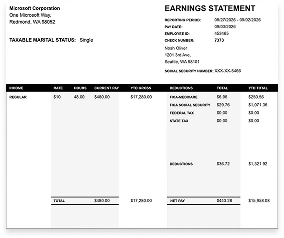
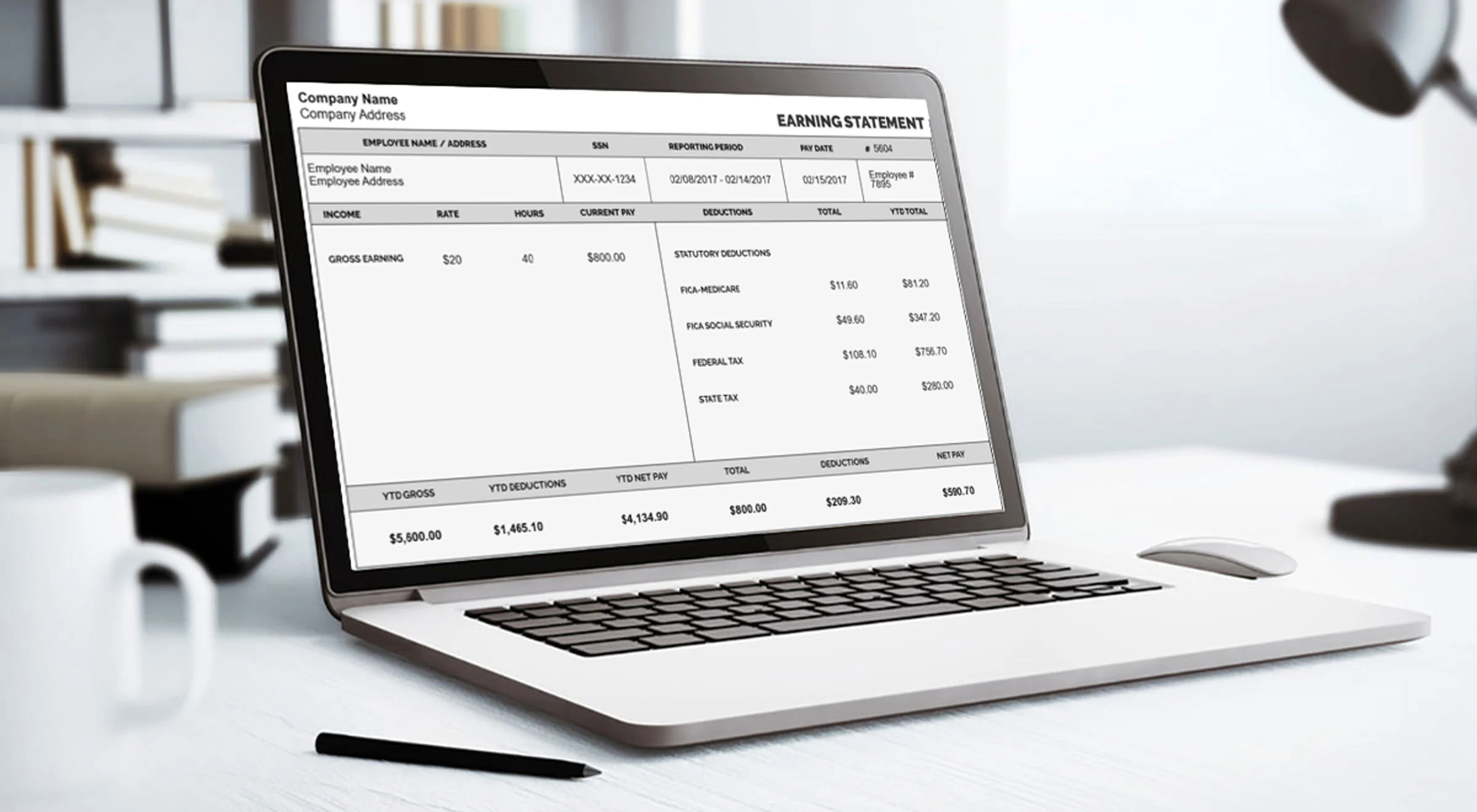
A pay stub is a formal document that records the pay that you received and deductions that have been taken. Upon looking at it, you will see the following elements:
- Date range of the pay period, as well as the payment date
- Number of hours that you worked and hourly wage (or salary)
- Gross pay before deductions are made
- List of deductions (taxes, Social Security, Medicare and other contributions)
- Net pay, or the actual amount that you receive in your bank account
- YTD (year-to-date) amounts, so that you can follow your income throughout the year.
Many people may need a copy of their pay stub for various reasons: filing taxes, applying for a loan or lease, checking whether their pay is correct. If you are not sure how to read each item on the stub, please check our pay stub guide.
How to View Your Kroger Pay Stub Through the ESS Portal
Most current employees will find the employee self-service (ESS) portal the quickest route. Here is how it works to get your own pay records:
- Open ess.kroger.com in your browser.
- Type in your enterprise user ID (EUID) and your password.
- Accept the terms if prompted, then log in.
- Open the payroll or pay stubs section from your dashboard.
- Select the pay period you want to look at.
- Click View, then choose Download or Print if you need a copy.
How to Check Your Kroger Pay Stub on the FEED App
If you like using your mobile phone instead of a computer, you are in luck! The FEED app provides access to your online account as well.
- Go to your App Store (iPhone) or Google Play (Android) and download the Kroger FEED app.
- Sign in and enter your EUID and password.
- Find My Info in the Home tab.
- Select Pay or Pay Stubs and choose the pay period for which you want the information.
If your phone supports Face ID or fingerprint recognition, you will be saved from entering the password every time. However, please remember to log out when you are finished with a shared device.
How To Get Your Kroger Paycheck Stubs From the HR Department?
To get your pay stubs from the Kroger Pay Stub portal, you should follow these steps:
- Visit the Kroger employee pay stub portal.
- Insert your employee ID number.
- Create a new password for your account.
- Do the Kroger HR Express pay stub login.
- Find the pay stub you need and click on View to see the next.
- Click on the Print button in the upper-right corner of the screen.
How To Get Your Kroger Paycheck Stubs From the HR Department?
- Visit the local Kroger store.
- Ask the customer service desk for a printout of your last pay stub.
- An HR department person might ask you to sign before giving you the pay stub in hand.
Once you have received the form, please fill it out and return it to the customer service desk with a valid photo ID.
If you see any problem getting the pay stubs, you should contact your HR department so that they can correct the error. Kroger is a great firm that provides you with accurate and timely pay stubs for all of its employees.
Also Read: How to Access Your Pay Stub from Amazon: A Step-by-Step Guide
What to Bring When Asking for a Pay Stub In-Store
Visiting the store in person can be a useful solution in the event that the portal is unavailable, your account is locked, or you no longer have access. It is a good idea to have the following information with you, in order to make the process easier:
- A government-issued form of identification that you can present
- Your store number, location, and approximate dates worked at there
- Your employee ID, or EUID, if you know it
- A signed release form, if the store requires it
The staff members will have to verify your details before giving you anything, but some advance planning can help avoid a trip back.
How Do You Get the Last Paystub After Job Quitting?
If you are a former employee of Kroger and want to get Kroger paycheck stubs, you can still retrieve them from the department. You can visit your nearest Kroger store and ask the employee service desk to print off your final pay stub. But before they can provide it to you, they might require your signature on a release form.
Can Former Kroger Employees Get Pay Stubs Online?
Yes, in a lot of situations. Former employees can explore the following options prior to heading to a store:
- Historical records portal: If the account is active, one can check old pay history at myhistoricalinfo.kroger.com
- The Work Number: Kroger uses The Work Number of Equifax for employment verification purposes. If a lender or landlord wants any proof of income, this is very helpful.
- Tax forms: Tax forms can be accessed via the Tax Form Management system using mytaxform.com, which means that one does not need a paycheck when filing taxes.
After leaving a job, access to online records is not permanent, so it is advisable to retrieve and store your pay stubs and W-2s before or shortly after your final day. If you find it difficult to recover any records from a former workplace, you can check our resource on how to get W-2 forms from a previous employer.
Kroger Portals Explained: MyInfo vs MyTime vs FEED
It is easy to mix up Kroger’s employee systems. Here is a quick way to tell them apart:
| Portal | What You Use It For |
| MyInfo | Pay stubs, W-2s, tax documents, and personal employment information |
| MyTime | Viewing your schedule, tracking hours, and shift-related requests |
| FEED | Company news, training resources, and internal communication, plus a mobile route to your pay information |
If you are only looking for a pay stub, MyInfo (or the pay section inside the FEED app) is the place to start. MyTime will show your hours, but it will not show your deductions or net pay.
How Can You Contact the Kroger Employee Service Department?
If any unanswered queries are left, you can reach out to the Kroger Employee Service Department. They can also provide valuable information on how to obtain your pay stub or if you require any other help as a Kroger employee.
Kroger Employee Service Department Information
If you have any questions about how to get your Kroger pay stub, you can contact the Kroger Employee Service Department. The number to contact the department is 1-800-KRO-GERS (1-800-576-4377). They are available Monday through Friday, 7 am to midnight EST, and Saturday through Sunday, 7 am to 9.30 pm EST.
- Kroger Customer Support: If you are a Kroger employee with questions, you can contact the Kroger employee’s service department.
Kroger Customer Service Number 1-800-KRO-GERS (1-800-576-4377): Hours of operation are Mon-Fri, 7 am – Midnight, EST Sat – Sun, 7 am – 9.30 pm EST.
Also Read: How to Get a Paystub from DoorDash: A Simple Guide
Conclusion
Paycheck stubs can be obtained from Kroger via the Kroger pay stub portal on the official website or by visiting the HR department at a local Kroger store. However, if you want to create the pay stub for your own personal use, record-keeping, or something you can directly generate by using our Paystub Creator.
Disclaimer: StubCreator is not associated with Kroger or its Associates; their trademarked and registered logos should be treated as such. This article serves as general guidance for accessing Kroger paystubs; for more specific guidance, please refer to Walmart’s official resources and consult HR.
FAQs:
1) How much does Kroger pay?
Kroger’s pay differs by role and location, but most hourly workers make between $12 and $22 an hour, some of whom make more depending on level of experience or because their jobs are covered by a union agreement.
2) How often does Kroger pay?
Kroger usually pays employees weekly, and most employees get paid every Thursday.
3) How do I check my Kroger pay stub?
You can view your Kroger pay stub by signing in to the Express HR or MyInfo account.
4) How do I get my pay stubs from Kroger?
To access your Kroger pay stubs, visit the Kroger employee portal and sign in to view and download your pay stubs. Former associates who are unable to access the portal may need to reach out to their store’s HR team.
5) How much does Kroger pay hourly?
Hourly pay at Kroger currently ranges from an average of $12 to $22 per hour (for store location, job title, and experience).
6) How much does Kroger pay stockers?
Kroger stockers usually make between $13 and $18 an hour, with overnight stockers often earning a bit more than their daytime counterparts.
7) What is Kroger starting pay?
The Kroger starting pay is not fixed; it varies as on the role and position you have. There is a minimum pay for the entry-level positions; some stores offer higher pay due to union contracts.
8) How many years do you have to work at Kroger to get a pension?
In general, workers need 5 years of service to be eligible for a Kroger pension, although some pension plans are frozen for certain employees and may no longer gain new benefits.
Also Read: How to Get a Paystub from Walmart: A Step-by-Step Guide
FAQ's
How do I access my Kroger pay stubs?
+
Log in to the Kroger ExpressHR portal using your credentials, navigate to the "Pay" section, and view or download your pay stubs.
Can I retrieve pay stubs if I'm no longer employed at Kroger?
+
Yes, former employees can access pay stubs through the ExpressHR portal for a limited time after leaving the company.
Is there a mobile app for Kroger pay stubs?
+
Currently, there is no dedicated app, but you can access the ExpressHR portal through a web browser on your mobile device.
What should I do if I encounter issues accessing my pay stubs?
+
If you experience problems, contact Kroger's HR department or ExpressHR support for assistance in resolving login or access issues.