Chat with us now!
 Send Email!


OBBB Act 2026 Explained: A Complete Guide to Payroll Revolution
The 2026 Changes in a Nutshell: The 2026 Payroll Revolution is a major overhaul of payroll processing, reporting, and planning in the U.S. and is part of the…
Posted On: Jan 15, 2026

Instant Delivery
.png) Get Free Invoice
Get Free Invoice 24 X 7 Customer Support

Create accurate Canadian pay stubs that align with current Canadian tax regulations. We are here to help you step away from old-fashioned manual payroll calculation and generate a checkstub in less than a minute. Before getting started, you can preview a free paystub template example to understand how a professional paystub is structured and displayed prior to generating one.
Get started today to streamline your payroll process and keep your records organized with confidence. However, if you need a tool for U.S. payroll instead, check out our free paystub generator for USA designed for US tax and payroll requirements.
Check the steps on how you can create a Canadian Paystub when you try StubCreator.
The majority of HR departments are required to manage employee wages, taxes, and deductions routinely. Most companies don’t create Canadian pay stubs manually, which can be slow and prone to errors. Using automated software makes the process faster and more accurate.
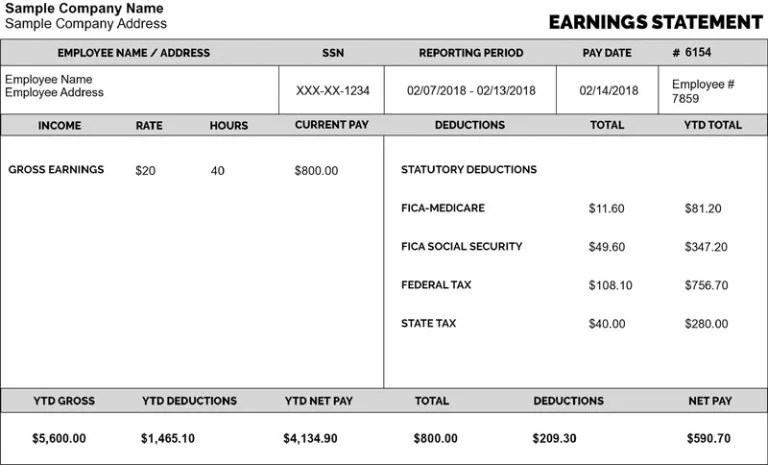
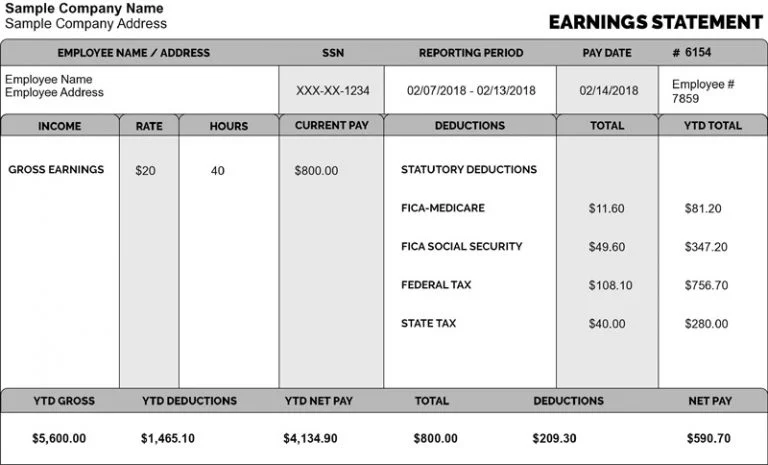
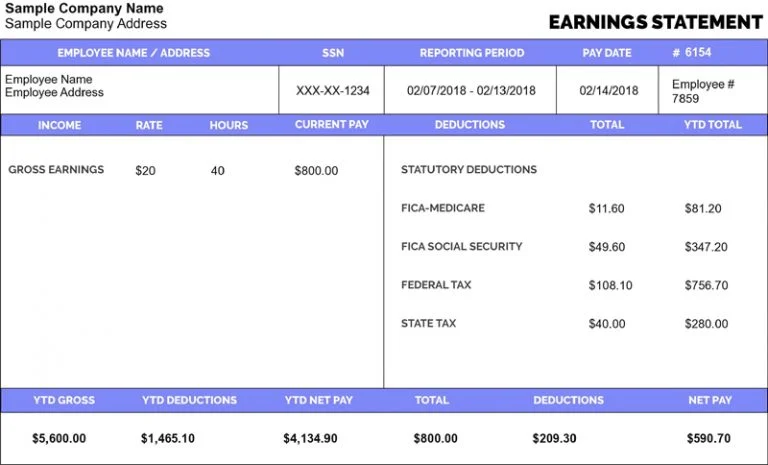
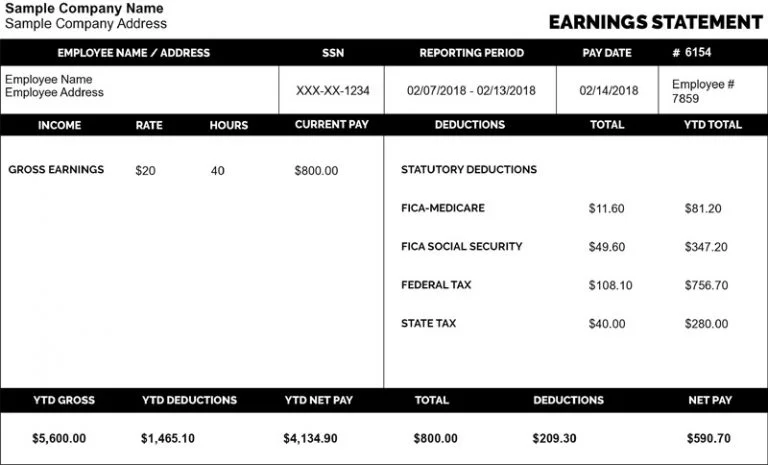
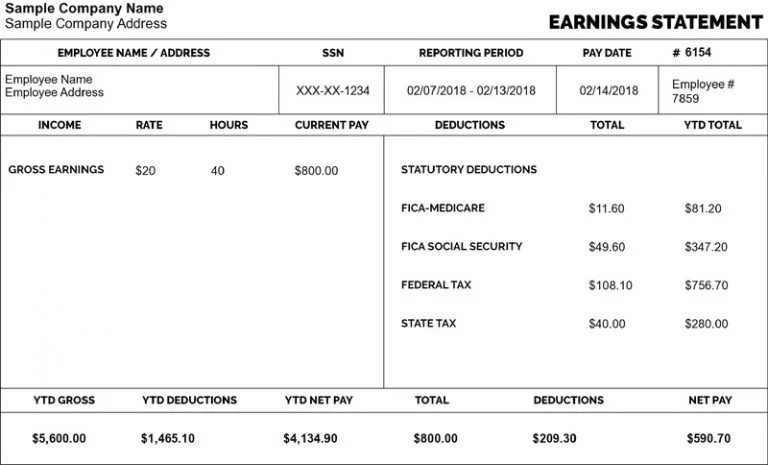
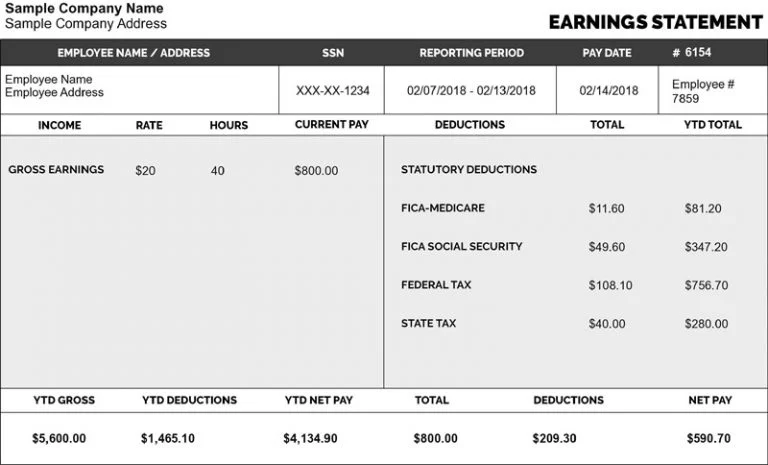
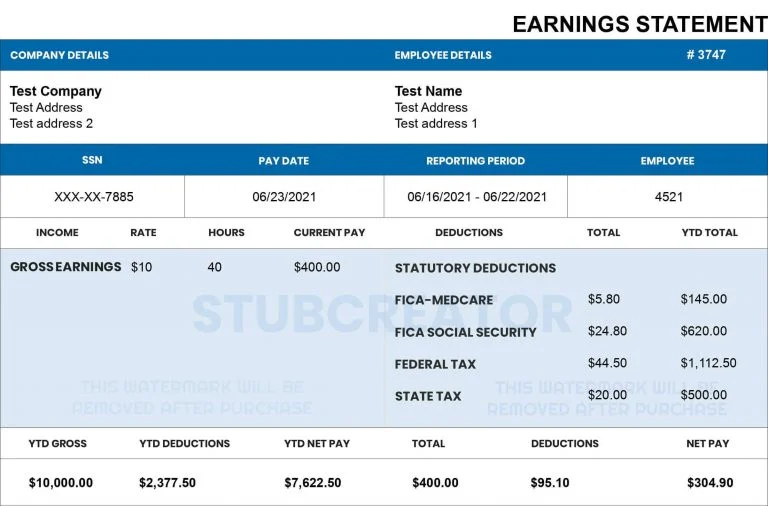
Pay stubs show a worker’s earnings, employer contributions (such as CPP and EI), and pay period details at an exact date. Our tool stands apart from any other online paystub tool because it computes the statutory deductions. All you need to provide is the company name and how much you earn, and we take care of everything else, including Federal tax and Provincial credits via our Canadian paystub maker.
Here is the updated section focused on 2026 Statutory Deductions.
Our tool is now set to the 2026 tax year. All our statements are updated to comply with the new Canada Revenue Agency (CRA) and Revenu Québec legislation. All of your pay stubs are also accurately computed for the following statutory deductions:
| Canada Pension Plan (CPP & CPP2) | Employment Insurance (EI) | Federal Income Tax | Provincial Tax |
| We have included the 2026 maximum pensionable earnings of $74,600. Our calculator automatically factors the CPP base as well as a second added CPP contribution (CPP2) for income between $74,600 and the 2026 YMPE ceiling of $85,000 to keep top earners onside. | Calculations are based on the 2026 EI premium rate of $1.63 per $100 with maximum annual insurable earnings of $68,900. This guarantees the accuracy of both employee contributions and employer matches. | Our calculator uses the latest 2026 federal tax tables. We apply the deductions and credits you qualify for to be able to calculate your gross income based on your paycheck’s gross pay or hourly wage. We also consider the BPA ($16,452 in indexed form) to ensure that our net pay results are correct. | Payroll rules differ by province. As for Quebec, we substitute QPP (Quebec Pension Plan) for CPP, which also has mandatory QPIP (Quebec Parental Insurance Plan) deductions. |
Note: With our 2026-compliant Canada paystub generation, there’s no risk of “failure to deduct” penalties. All calculations are in line with the CRA T4032 Payroll Deductions, giving you professional & accurate paystubs.
Canada pay stubs are essential for employees to track income, deductions, and taxes. Employers use them to maintain accurate payroll records and ensure compliance.
Canadian pay stubs include:
The Canada Paystub app will help you generate professional Canadian pay stubs that adhere to current payroll and document compliance.
We also accommodate 2026 federal and provincial tax calculations, so that each paystub depicts the right CPP deductions (including the CPP2 second contribution amounts) and EI premiums. By eliminating the need for manual payroll operations, you are saving time and reducing the risk of errors when you use an automated system that provides consistent calculations to help you create professional pay stubs with increased accuracy.


1) What is the best Canadian pay stub generator?
The ideal Canadian pay stub generator should provide accurate tax calculations, comply with provincial payroll rules, and offer user-friendly templates. A tool such as StubCreator is a common choice for creating professional pay stubs.
2) How is payroll calculated in Canada?
Payroll in Canada is calculated by first calculating gross pay, then deducting mandatory deductions such as CPP, EI and income tax from it. Employers should also consider provincial tax rates and any additional benefits or deductions that might exist for their employees.
3) How much is paycheck tax in Canada?
Paycheck taxes cover federal, provincial, and Canada Pension Plan (CPP) contributions as well as Employment Insurance premiums – their exact amounts depend on an individual’s income level, province of residence, and benefits package, in addition to applicable tax brackets.
4) What is a pay stub in Canada?
Canadian pay stubs provide employees with information regarding their earnings, deductions, net pay, year-to-date totals and important payroll details that facilitate transparency and record-keeping.
5) What is legally required to be on a pay stub in Canada?
Legal Canadian pay stubs must include gross pay, net pay, hours worked, pay rate, payroll period, CPP/EI contributions and income tax deductions, plus any additional benefits or contributions that may have been deducted. While requirements may differ by province, transparency remains mandatory across Canada.
The 2026 Changes in a Nutshell: The 2026 Payroll Revolution is a major overhaul of payroll processing, reporting, and planning in the U.S. and is part of the…
Posted On: Jan 15, 2026

What is the difference between bi-weekly and semi-monthly pay? The main difference is frequency: Bi-weekly pay occurs every two weeks (26 times per year), while semi-monthly pay occurs…
Posted On: Jan 09, 2026

When comparing direct deposit vs payroll card, both are common employee payment methods but work differently. Direct deposit transfers money to a bank account, while payroll cards carry…
Posted On: Jan 07, 2026